
Sandbox testing guide
Overview
To get started testing in sandbox, follow the steps in this guide to get started!
Step 1: Apply for a sandbox
To gain access to Anchorage sandbox, please reach out to your dedicated sales or customer experience point of contact.
Step 2: Onboarding to Sandbox
To onboard to sandbox, please follow the instructions communicated in the invite email or on the Developer guide.
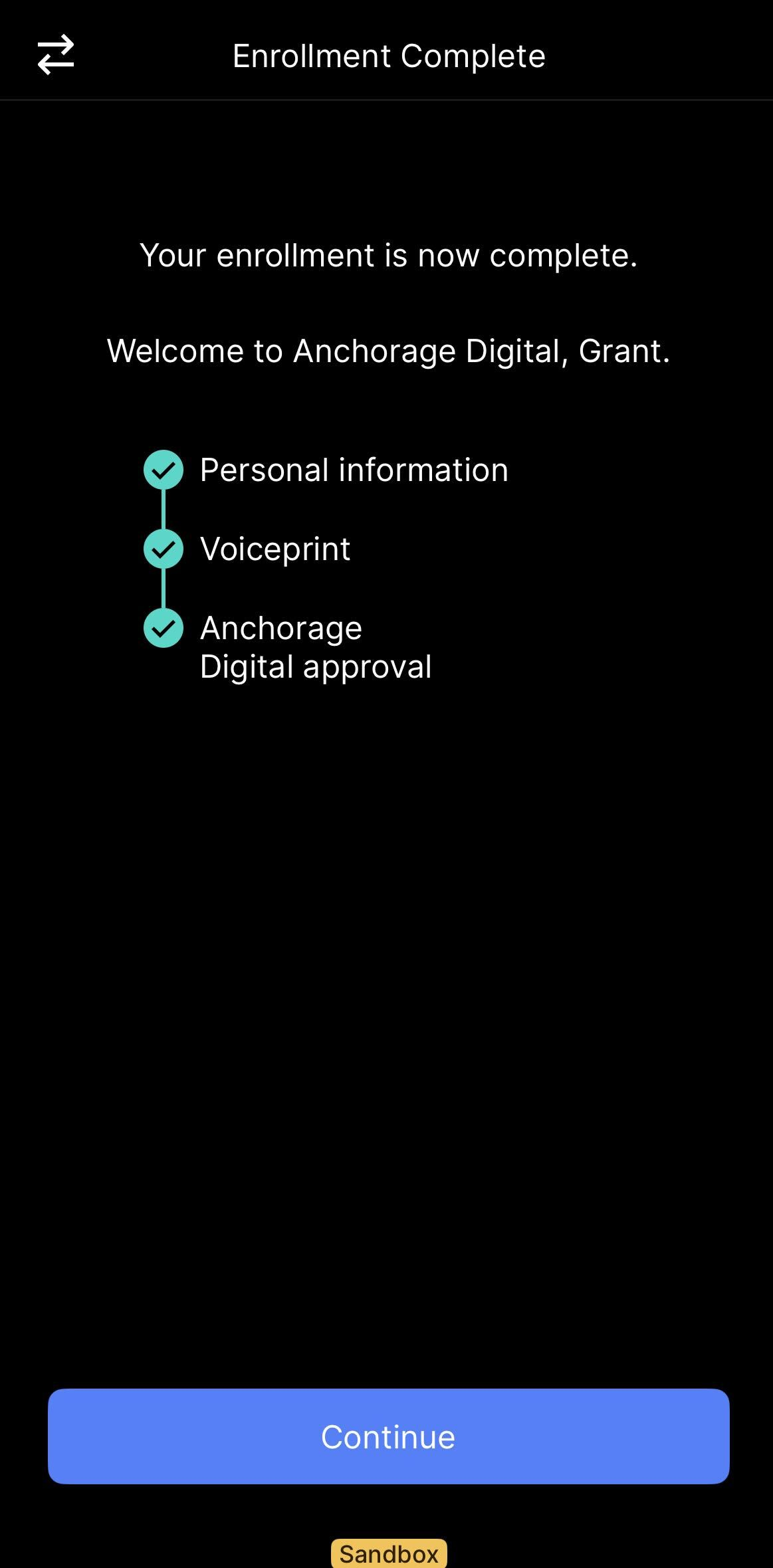
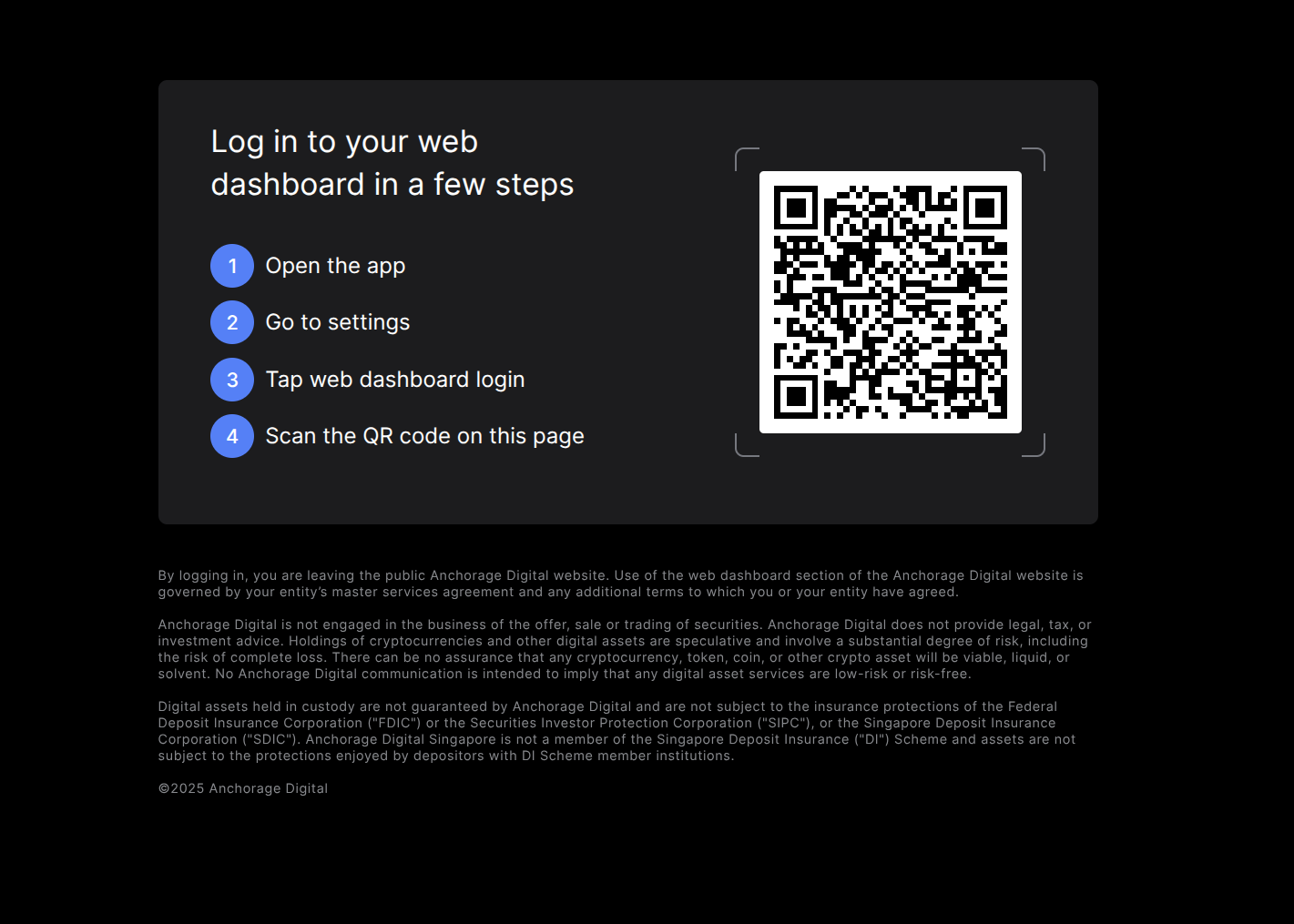
Step 3: Log in to the iOS App and Client Web Dashboard
First, log in to your Anchorage sandbox iOS application. Once your onboarding application has been approved by the team, you can open the sandbox in your app. Then, navigate to settings -> Web Dashboard Login
- Sandbox Client Web Dashboard Login: https://clientdashboard.anchorage-staging.com/login
- Production Client Web Dashboard Login: https://anchoragelogin.com/login/
Step 4: Generate API Keys
If your sandbox testing requires API Keys, follow the guide below for generating an API Remission Group and PI Key for testing.
Step 5: Test your API Key
To get things started, please test your first API call to verify which permissions your API Key has.
Option 1: Use Developer Hub
- Navigate to List information for current API Key developer hub page
- Paste in your sandbox API Key in the "Header" text box in the upper right corner
- Click Try It!
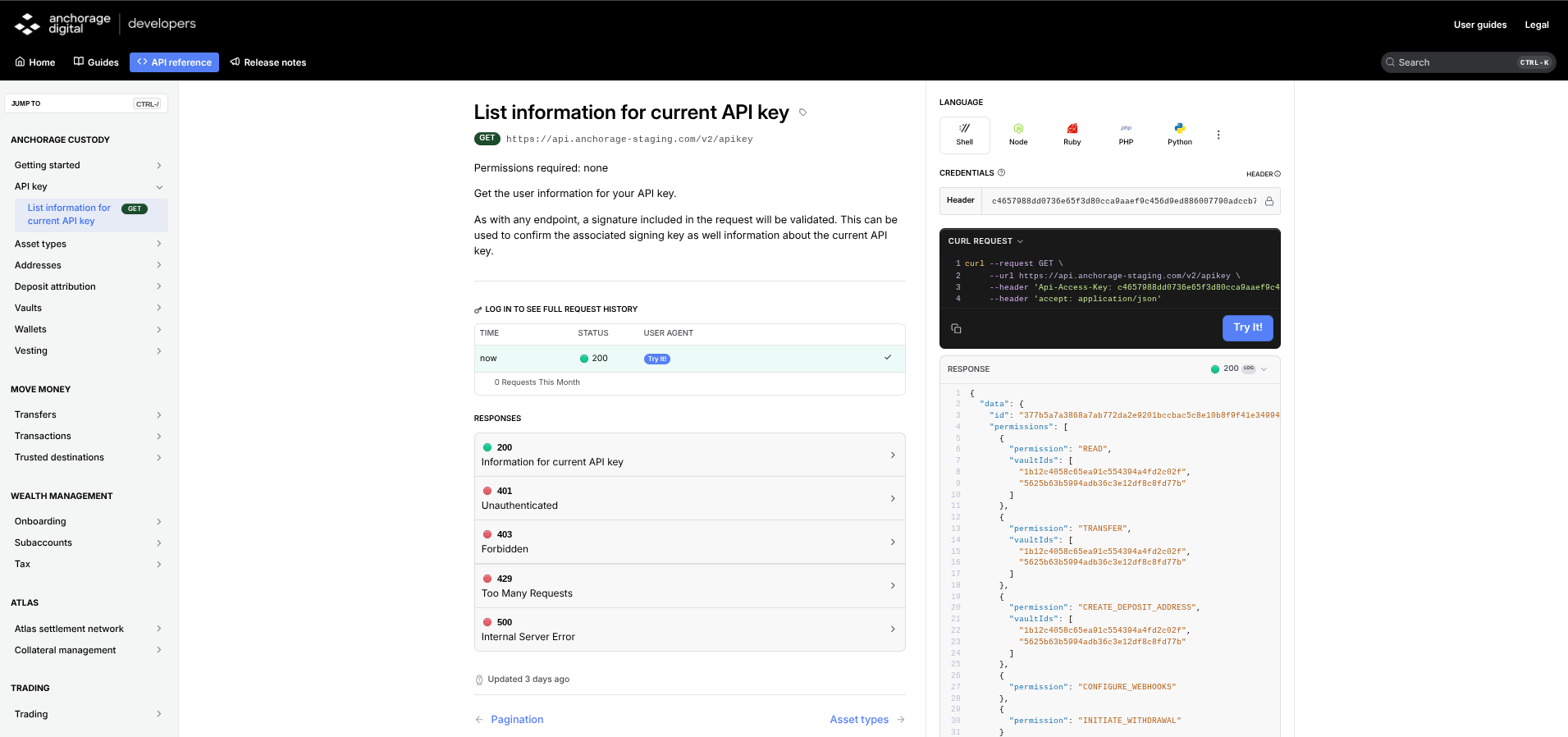
Production API keys do not work hereThis will only work for sandbox API Keys. For any production testing we encourage you to securely test this in your own local environment.
Option 2: Use local testing environment
- Find your API Key
- Fun this GET call: https://api.anchorage-staging.com/v2/apikey
-
curl --request GET \
     --url https://api.anchorage-staging.com/v2/apikey \
     --header 'Api-Access-Key: {API KEY HERE}' \
     --header 'accept: application/json'
import requests url = "https://api.anchorage-staging.com/v2/apikey" headers = { "accept": "application/json", "Api-Access-Key": "{API KEY HERE}" } response = requests.get(url, headers=headers) print(response.text)
Step 6: Fund your Sandbox
Sandbox Asset Support
Sandbox token and testnet support
Our sandbox environment supports the following tokens and testnets:
| Token | Testnet |
|---|---|
| Bitcoin (Testnet) | BTC_T |
| Ethereum (Hoodi Testnet) | ETHHOODI |
| ERC-20 tokens (including USDC, USDT, etc.) | USDANCHOODI |
| Solana (Devnet) | SOL_TD |
| SPLs (Devnet) | - |
| BUIDL (Sepolia) | BUIDLSEP |
No Mainnet Asset Support in SandboxDue to obvious reasons and compliance policies, you are not able to create mainnet addresses in sandbox.
Funding with testnets
If you need testnets, feel free to reach out to your point of contact. There are also many public faucets that can be found online.
Deposit AttributionIf you use an external faucet, these deposits can take some time and sometimes are actually never sent. If they are sent and received by Anchorage in your sandbox, you will need attribute these deposits via API or in the Client Web Dashboard.
Postman Testing
Today, you can test all of our read our write APIs in Postman on your own. We're working on rolling out an end-to-end Postman testing workspace. More details soon!
Write API Signing in SandboxTo sign requests in sandbox in Postman, you need to use a complex script. Please reach out for more details.
Updated about 1 year ago