
Webhook testing in sandbox
Sandbox testing
To quickly test this in sandbox env. on your own, you can follow the steps below:
Step 1: Create your webhook endpoint
Either create your own or you can use Svix playground for rapid testing.
.
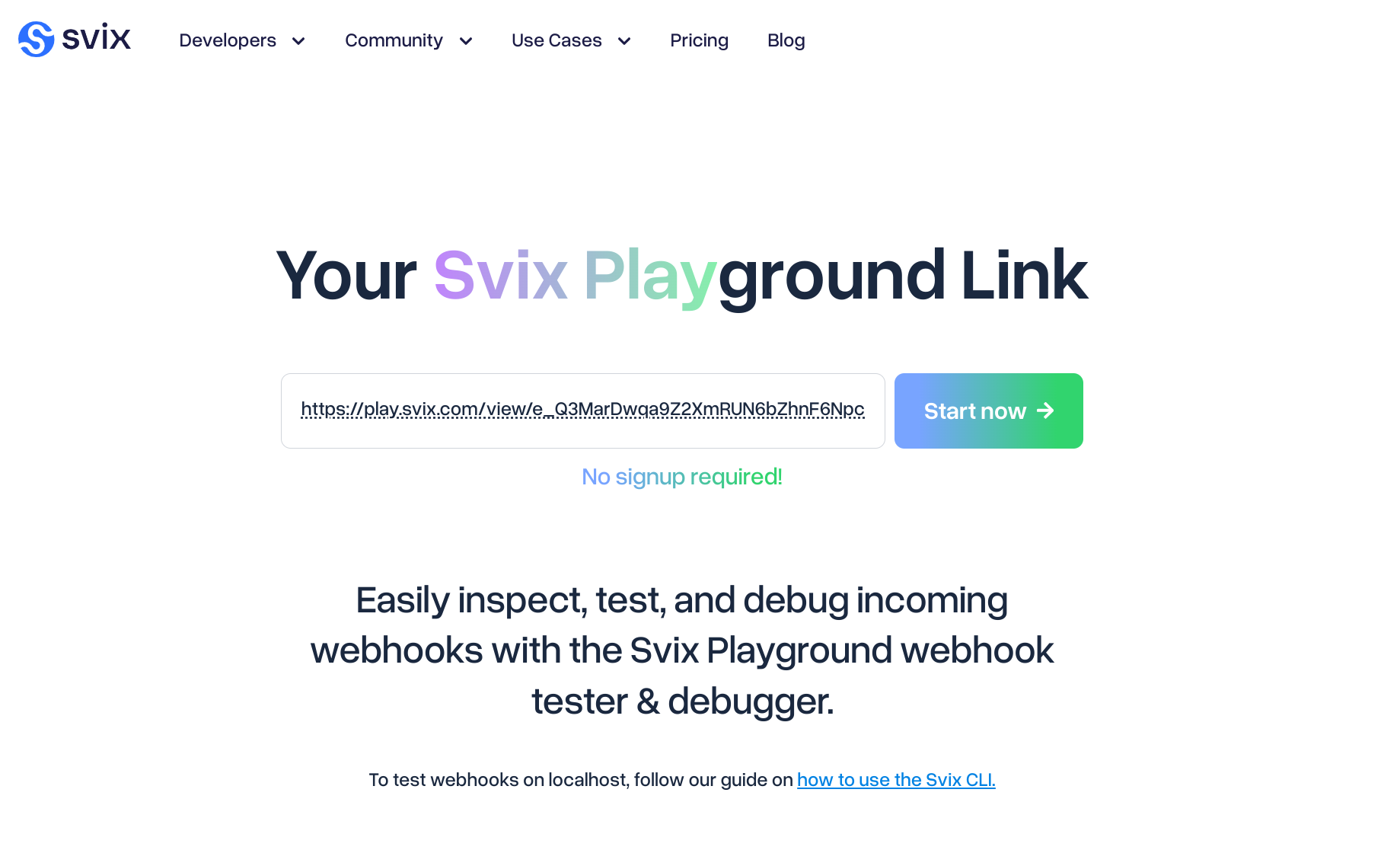
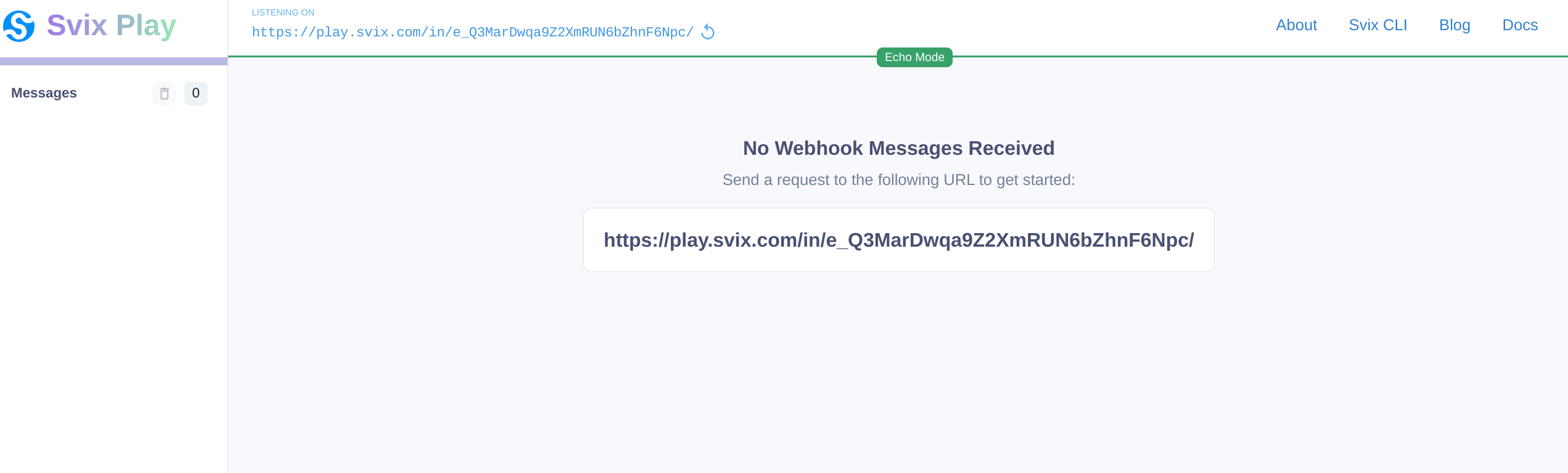
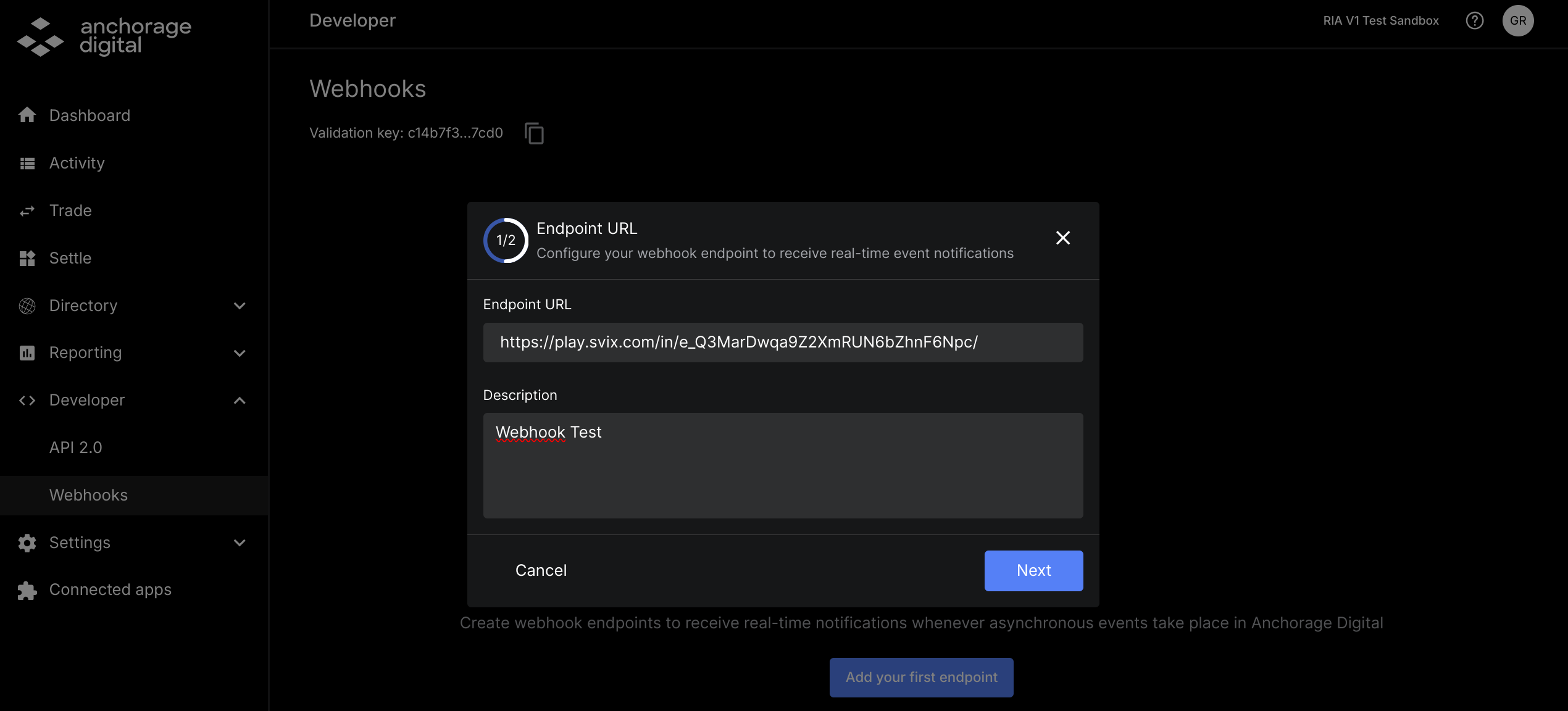
Once you have your endpoint, you need to register this either through the API or using the web dashboard.
- Create a webhook endpoint (API)
urlwill be used for registering the endpoint via API
- Create webhooks (web dashboard)
Step 2: List available events and subscribe
- List event types (API)
- Create webhook subscriptions (API)
- Using the
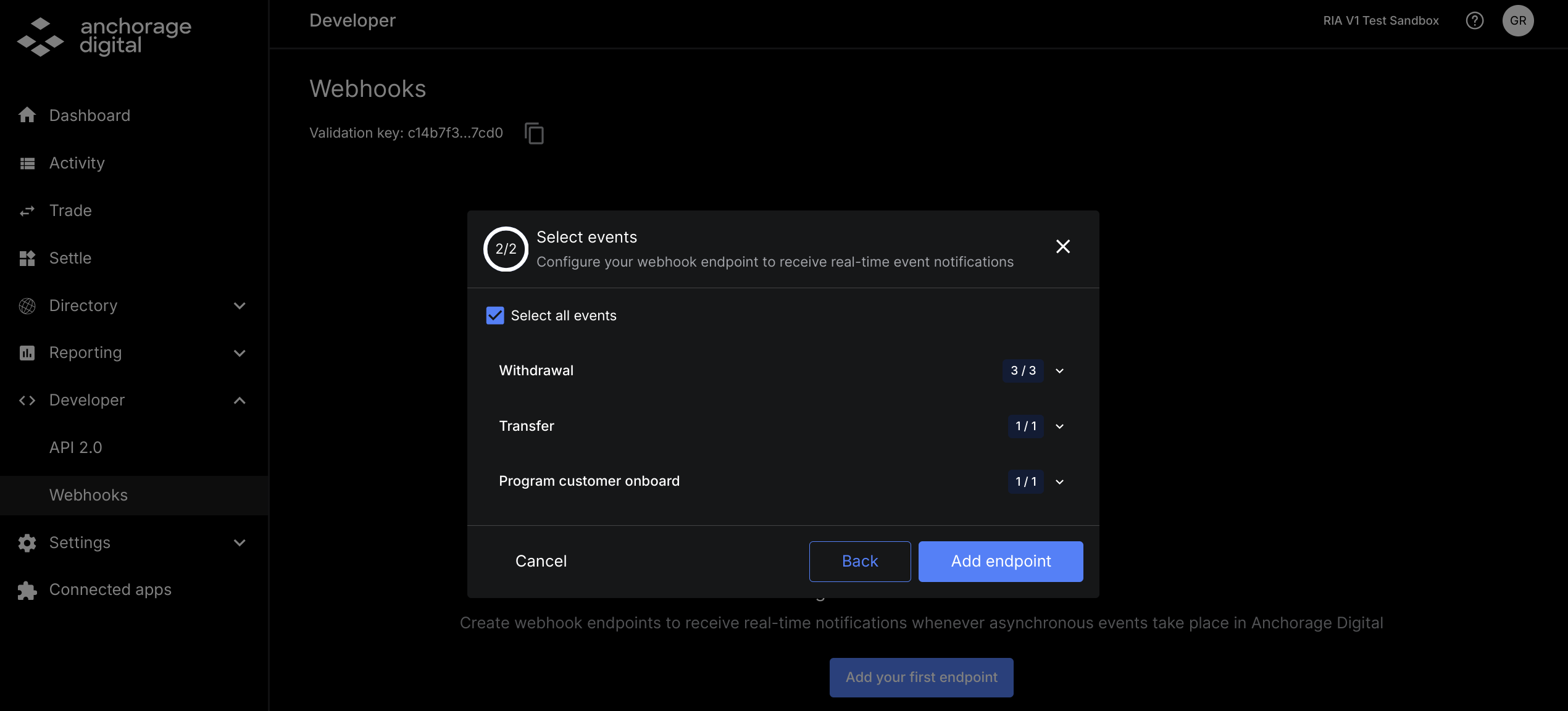
endpointIdyou can subscribe to any or all of the event types
- Using the
- Select events (web dashboard)
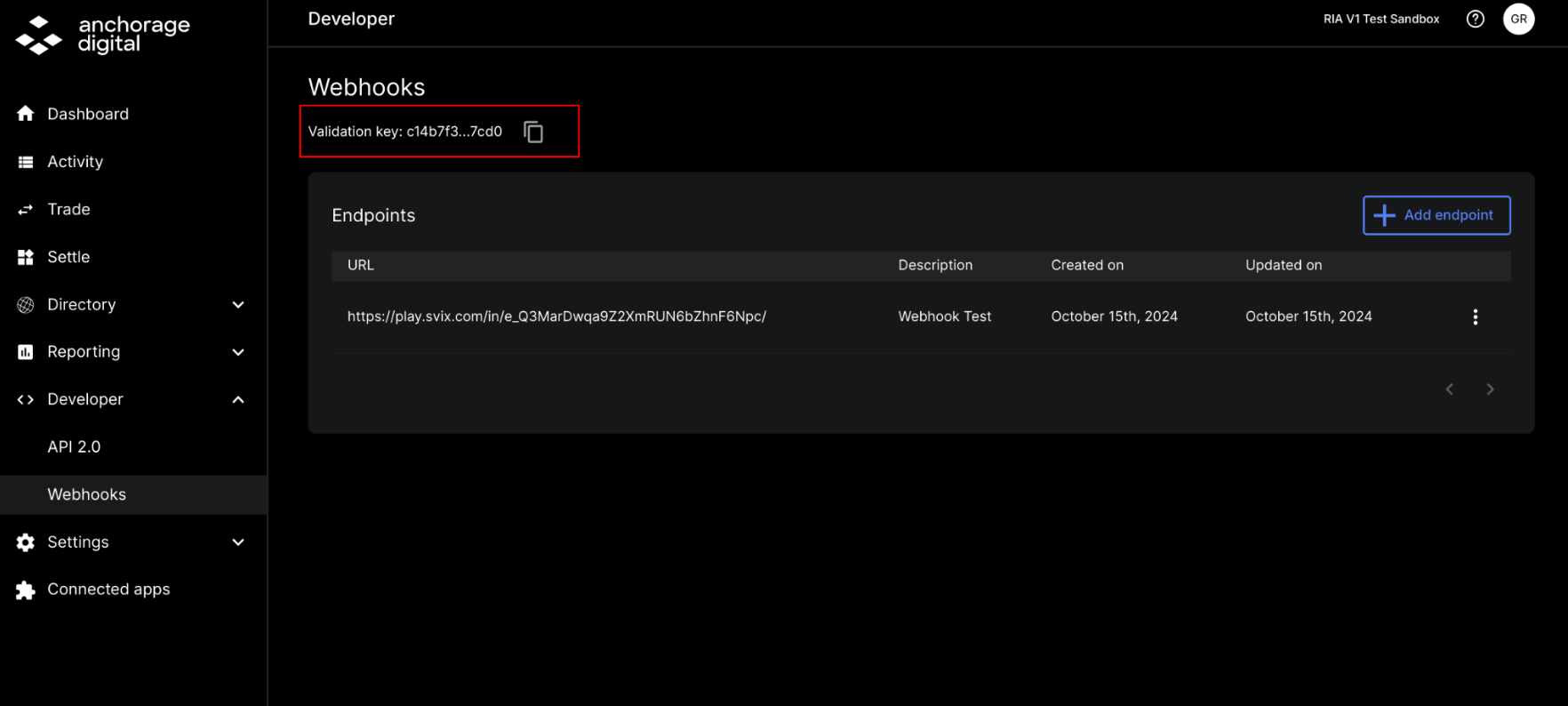
Step 3: Get validation key
Sandbox validation key to be used to verify the message is actually from Anchorage Digital. This can be found either on our web dashboard or via API.
Sandbox validation key: c14b7f3da18abb17b7304f925a68b18c1ea0dad6663b6b54cb67a737ecb77cd0
Step 4: Trigger event
To test this in sandbox, you can send testnet assets to a wallet. Otherwise, attempt a withdrawal or transfer using our APIs or iOS app.
- Use Postman or our docs to generate a new wallet address for BTC Signet (BTC_S)
Step 5: Webhook message received
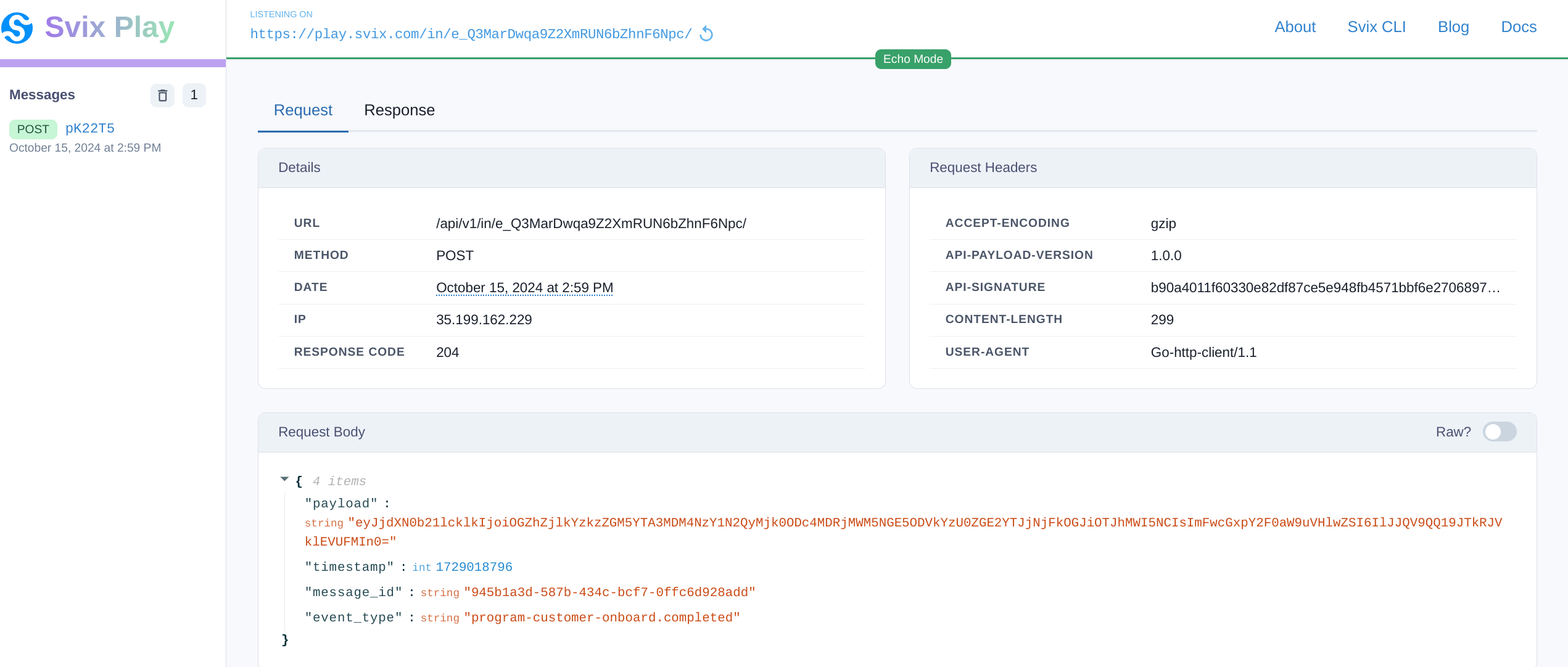
{
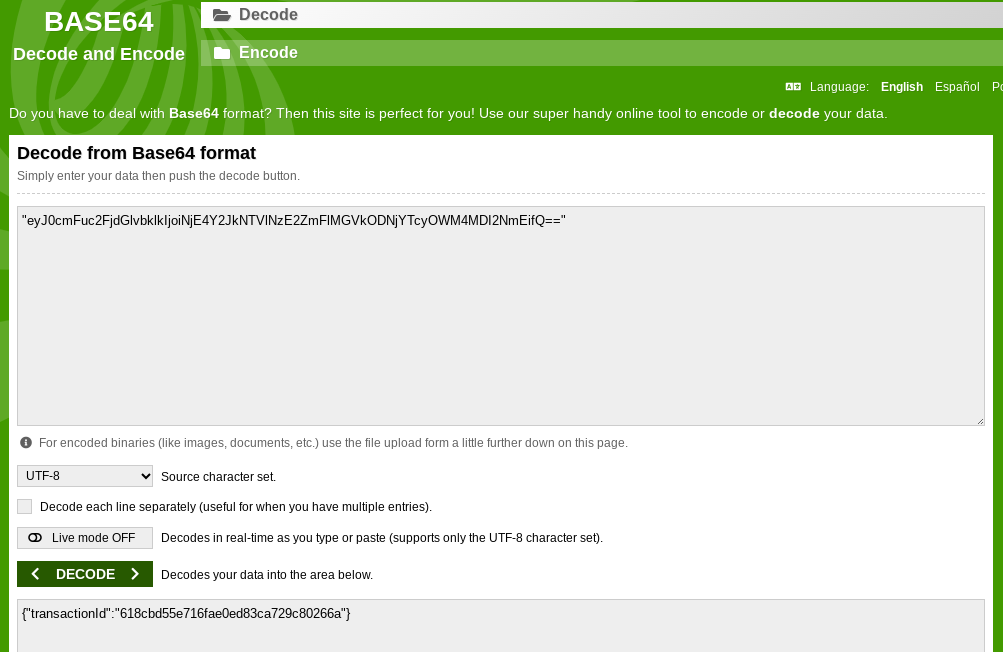
  "payload": "eyJ0cmFuc2FjdGlvbklkIjoiNjE4Y2JkNTVlNzE2ZmFlMGVkODNjYTcyOWM4MDI2NmEifQ==",
  "timestamp": 1729112450,
  "message_id": "aa2dbc06-1665-44c0-bb8e-d2b0ad15a564",
  "event_type": "deposit.pending-attribution"
}
{
"payload": "eyJjdXN0b21lcklkIjoiZmJmMzYwOTlkZTMzNmQwMzkyODU0ZmQ5ZTY4NjQxMDcyMjFkYmRhMzBhOWQ1ZWQ4YWI1NWE4ZmZmNTU2NWY3MSIsImFwcGxpY2F0aW9uVHlwZSI6IlJJQV9QQ19JTlNUSVRVVElPTiJ9",
"timestamp": 1729621585,
"message_id": "0b136ab6-f837-4de4-9cd8-f8c3c122f443",
"event_type": "program-customer-onboard.completed"
}Step 6: Validate the message using the validation key
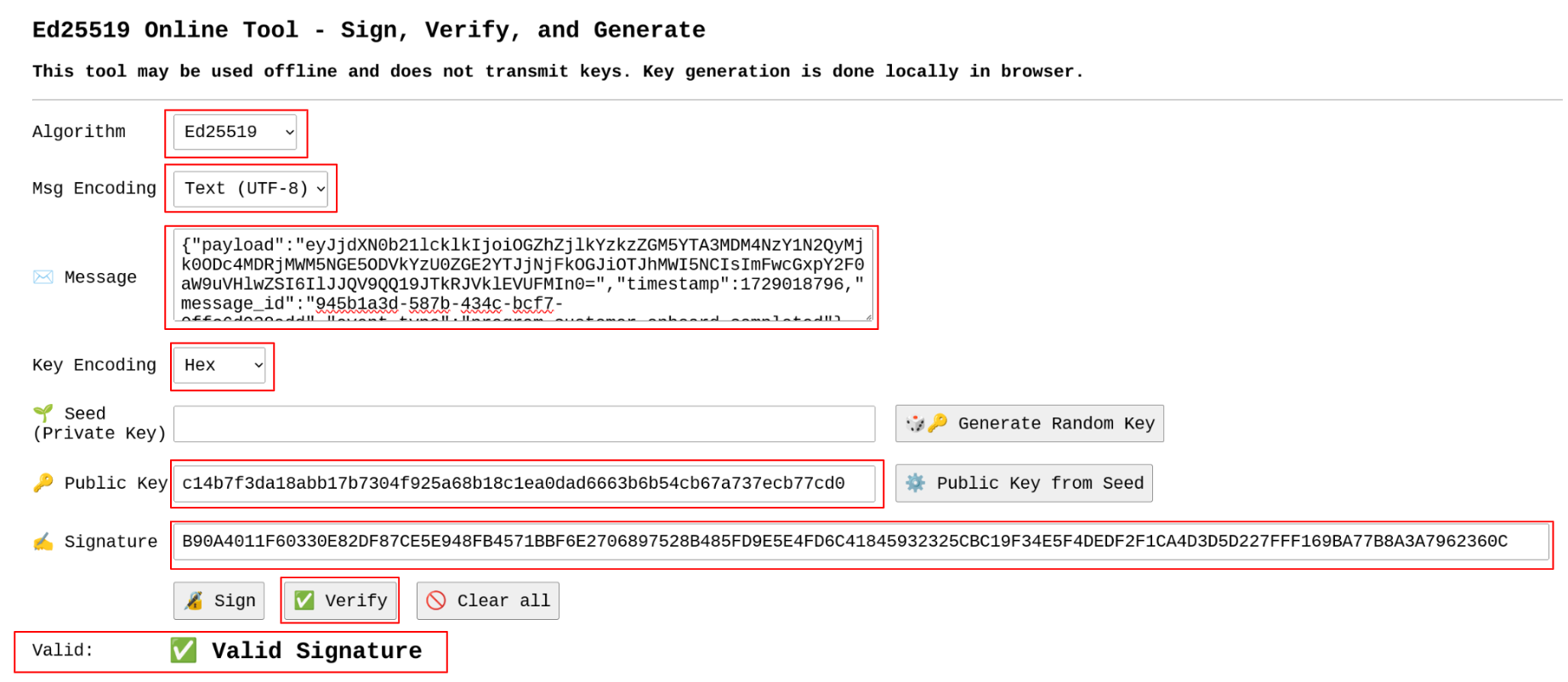
In order to ensure you are getting the webhook message from Anchorage Digital, you will need to validate the API signature using the validation key.
To test this, you can validate on your own or use an open source tool like the one below:
- https://cyphr.me/ed25519_tool/ed.html
- Algorithm: Base64
- Message encoding: Text (UTF-8)
- Message: Paste the "raw" message response here
- Key encoding: Hex
- Seed (private key): Leave blank
- Public key: Validation Key
- Signature: Paste API Signature\
Step 7: Decode payload using Base64 format
Paste thepayload encoded in the Response Body into the Decode section of the Decode tool.
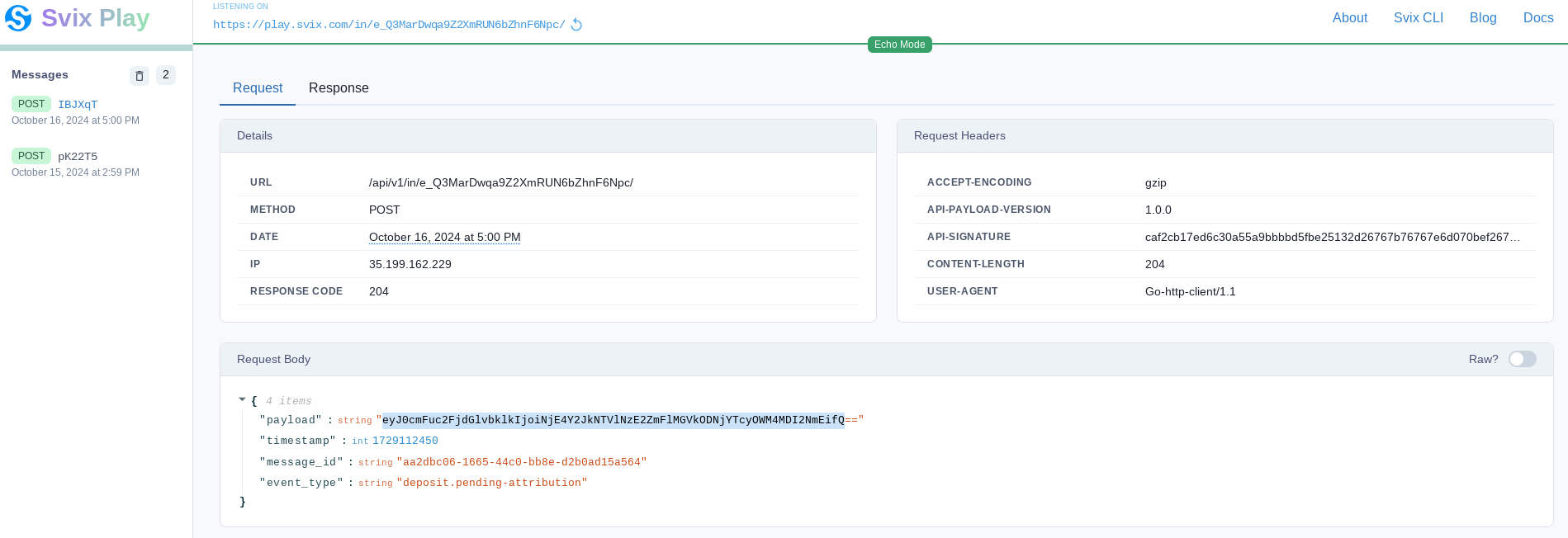
Step 8: Leverage the TransctionId to fetch additional information
- List transactions (API)
- (RIA Only) - Get status of onboarding (API)
Updated about 1 year ago